How to Use Advanced Search
Advanced Search allows you to construct a complex query in order to retrieve more precise search results. Advanced Search is available whenever you are viewing search results, browsing issues, or viewing a single issue, page or article.
Click the Advanced Search link at the right of the search box.
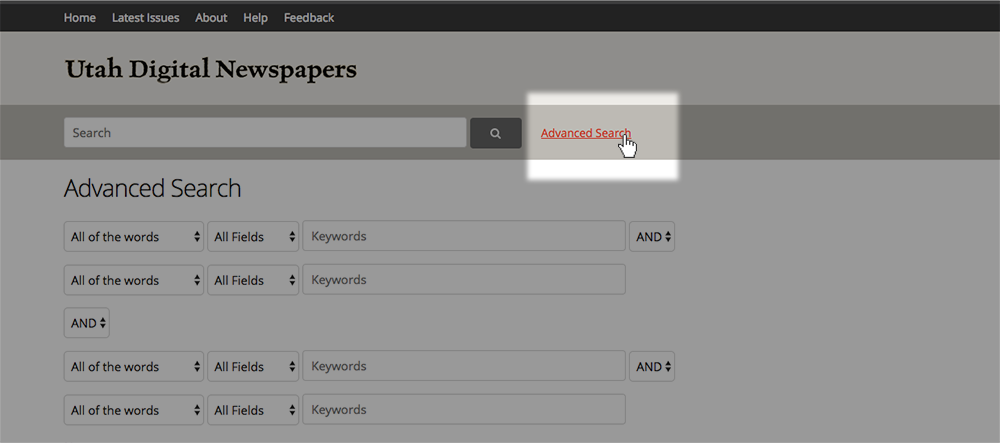
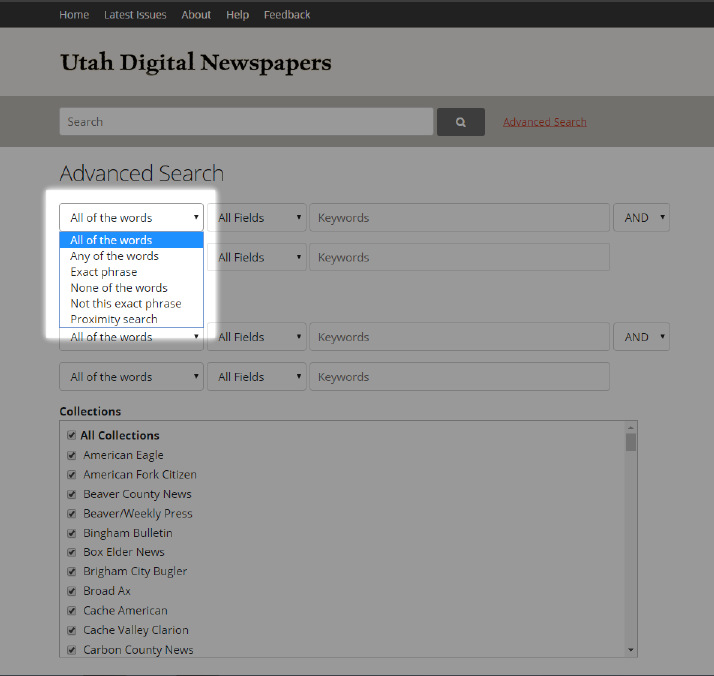
On the Advanced Search page, set up the parameters for your search. For example, in the first drop-down list, you can select the type of search to run.
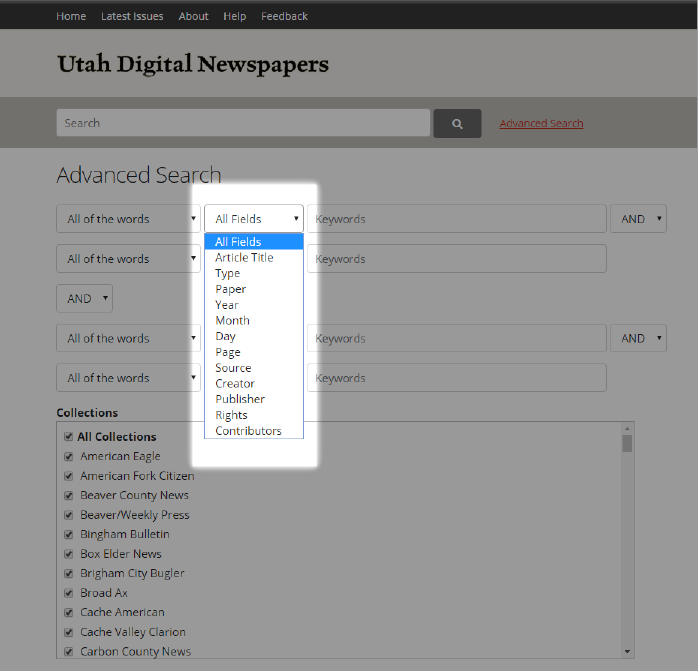
All of the OCR text of every page and article is searched by default. If you want to also search within a particular metadata field, select the field from this list.
After setting up the type of search you want to run, enter your search term(s) in the Keywords box. Continue to additional search options (described below) or click SUBMIT at the bottom of the page.
A proximity search will find two terms within a certain distance of one another on a page or in an article. You can conduct a “proximity search” by selecting that option from the first drop-down list.
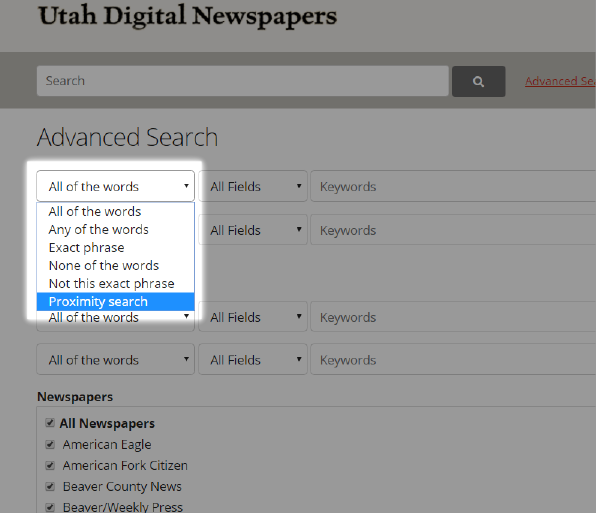
After selecting Proximity Search, in the second drop-down list, choose the maximum distance between your terms. For instance, to find the words Jones and blacksmith within four words of one another on the same page or in the same article, select Within 4 Words.
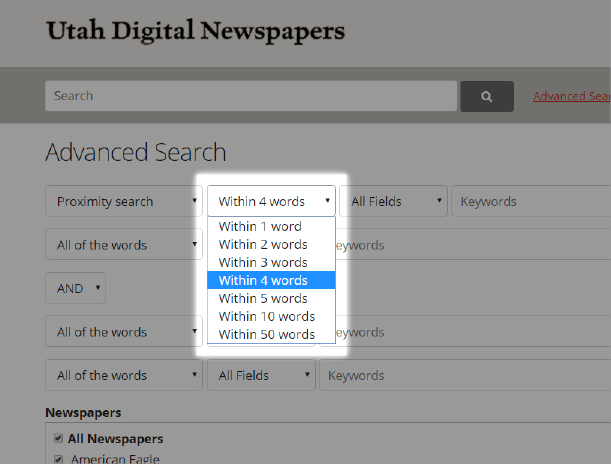
To complete your proximity search, enter your terms in the Keywords box.
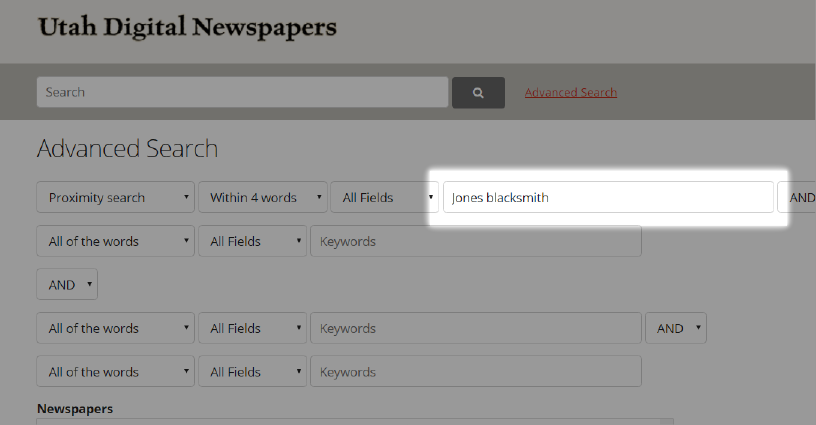
Continue with additional search parameters, or click SUBMIT at the bottom of the page.
Using the search options described above in two or more of the rows enables you to narrow your search to retrieve a smaller number of more precise results. To combine two or more rows of search options, use the AND/OR drop-down list. Choosing AND will require that both search parameters are met. Choosing OR will retrieve a result when either search parameter is met.
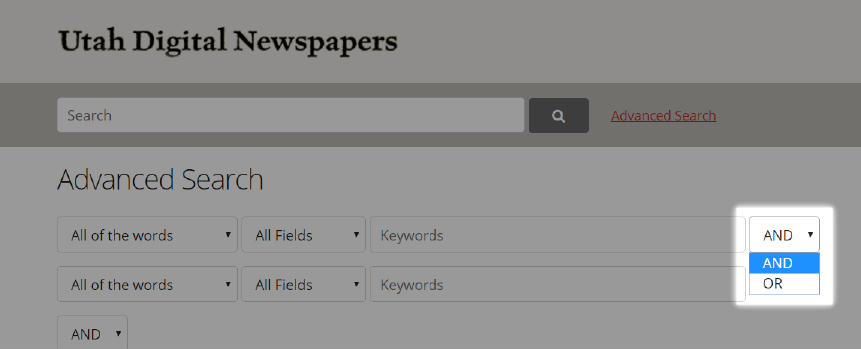
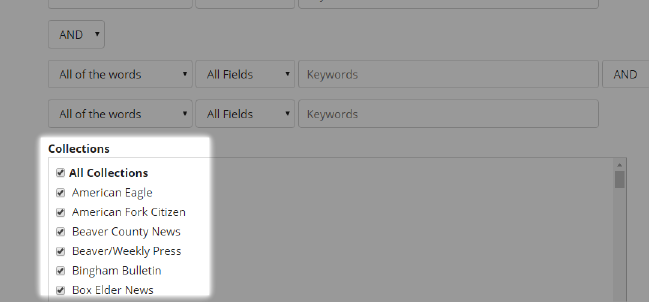
You can further restrict your search to one or several specific newspapers using the Newspaper list below the search options. “All Newspapers” is selected by default.
When your search is ready to run, click the Submit button at the bottom of the page.